Slime DIY Simulator1.0
Publisher Description

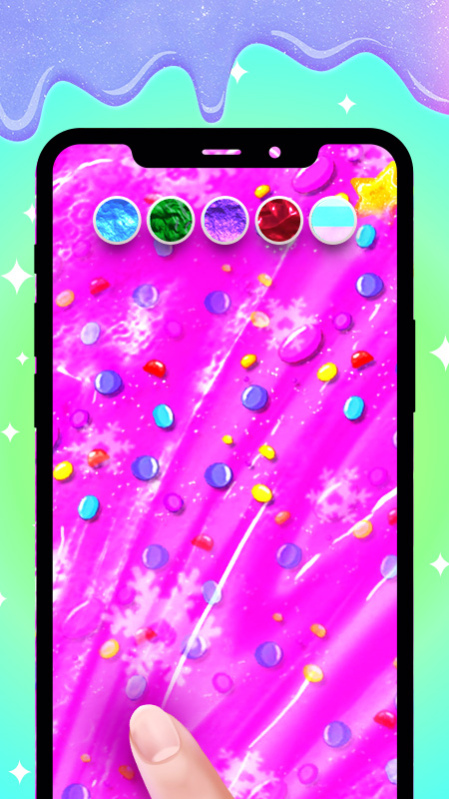
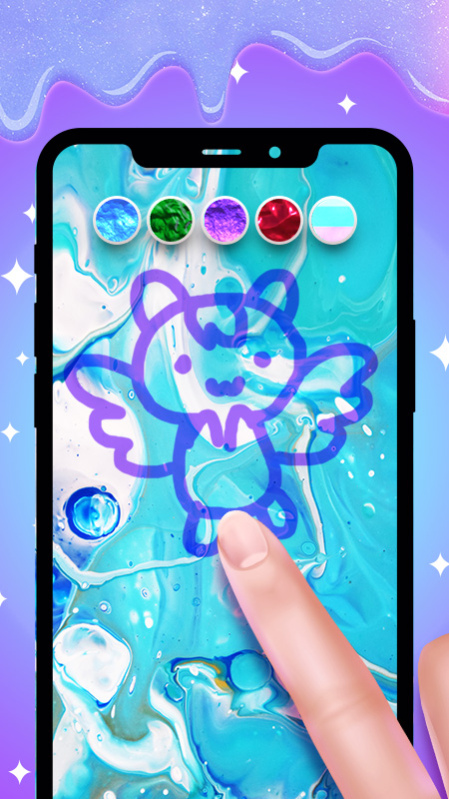

Do you want to make a do-it-yourself slime? In our game you can make slimes as you want, feel like a real artist.
Create super realistic slime and play with it on your mobile device. Relax your mind and discover our unique ASMR experience. Stretch your slime, squish it, knead it, pop it - just like you would with real slime or putty. Enjoy that oddly satisfying feeling right from your phone or tablet. Start your journey as a tycoon of slime!
Features:
- Play with your simulated slime right on your phone.
- Realistic slime simulation: Stretch it, squish it, knead it, pop it - just like real slime!
- Relieve stress and discover our one of a kind ASMR experience.
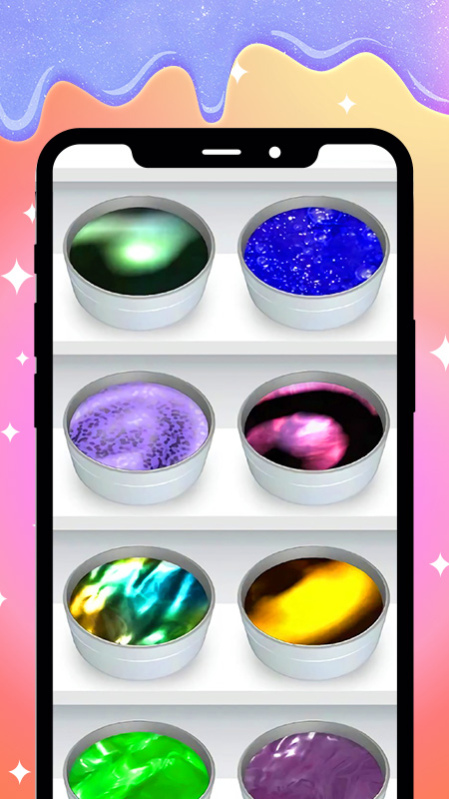
- Rich slime gallery: Clear, milky, metallic, jiggly and many more.
- Various slime textures: solid, fluid, fluffy, jelly etc.
- Each slime boasts a unique texture, sound and behavior.
- Satisfying 3D Sounds: Turn up the volume and listen to your slime squishing as you touch it. For best experience, use a headphones set.
Tired or bored? Open this game now,I bet you will feel much better!
Just download and enjoy the oddly satisfying journey of playing slimes!
About Slime DIY Simulator
The company that develops Slime DIY Simulator is 安徽景岩信息技术有限公司. The latest version released by its developer is 1.0.
To install Slime DIY Simulator on your Huawei device, just click the green Continue To App button above to start the installation process. The app is listed on our website since 2021-06-16 and was downloaded 4 times. We have already checked if the download link is safe, however for your own protection we recommend that you scan the downloaded app with your antivirus. Your antivirus may detect the Slime DIY Simulator as malware as malware if the download link to C104415479 is broken.
How to install Slime DIY Simulator on your Huawei device:
- Click on the Continue To App button on our website. This will redirect you to Huawei Store.
- Once the Slime DIY Simulator is shown in the Huawei Store listing of your Huawei device, you can start its download and installation. Tap on the Install button located below the search bar and to the right of the app icon.
- A pop-up window with the permissions required by Slime DIY Simulator will be shown. Click on Accept to continue the process.
- Slime DIY Simulator will be downloaded onto your device, displaying a progress. Once the download completes, the installation will start and you'll get a notification after the installation is finished.
